Your numbers also live on your iPhone’s Home Screen and Lock Screen. One glance tells you where your day stands.
01
Your day at a glance. Calotri one tap away.
The medium widget shows your ring and your macros. Tap it: Calotri opens, ready for your next food.
Always in view.One tap from your voice.
iPhone widgets preview.
Where your progress starts
Your goal. Made for you.
Counting calories makes sense when you know where you are going. Pick your target, understand your needs and keep markers that follow your pace.
Screenshots of the current version · sample profile and values.
A budget that follows your rhythm
Your training days have their place.
Train on fixed weekdays or every N days: spread your calories around your schedule while keeping your average intake the same.
Your fixed days, every week
Your training schedule, at a glance.
Every N days
A rhythm that does not depend on Mondays.
Change that fits into your life
Feel good. See it too.
A shape you like. A stronger body. And habits that fit into your real life.
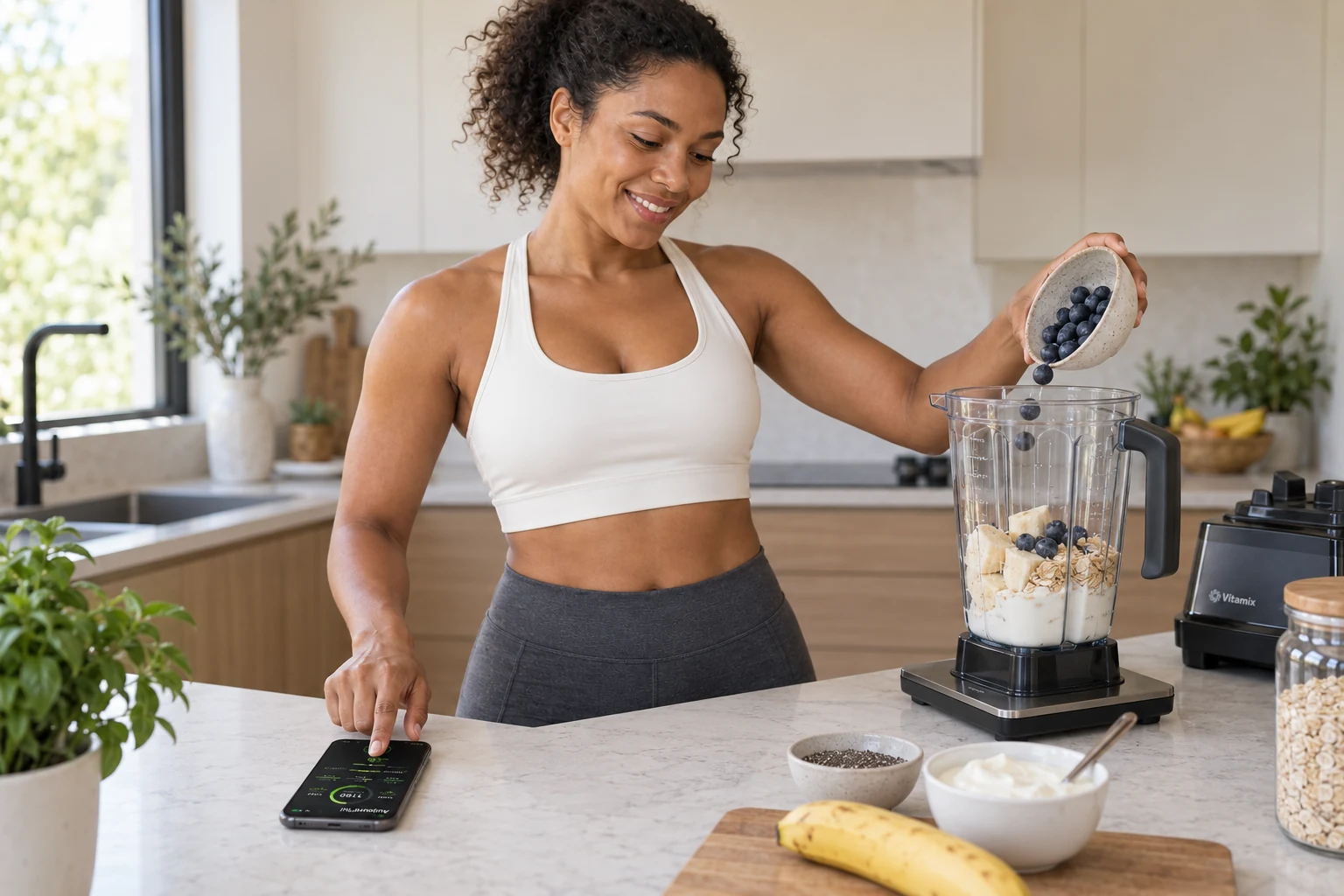
Your morning smoothie
Several ingredients. A few words.
Add an ingredient, hold the walkie-talkie button and say its name. Your iPhone stays on the counter.
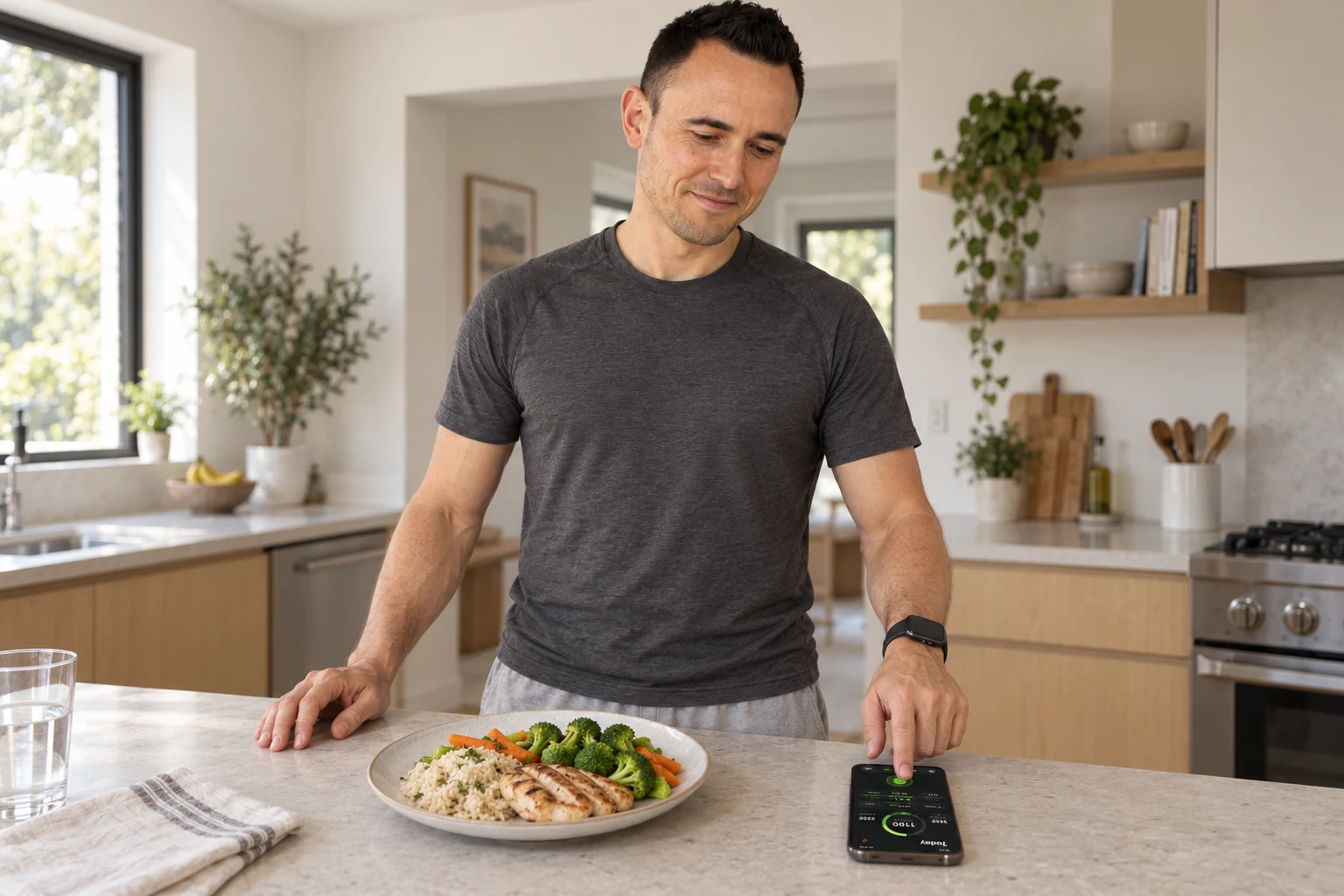
Your meal, made simple
Your plate in front of you. Your log at your fingertip.
Hold the button, say the food and its amount, then let go. Get back to enjoying your meal.
The joy of keeping going
Less typing. More living.
Tracking takes a few words. Your meal stays a moment to enjoy.
Scenes illustrated with the help of AI.
EXAMPLE OF A PERSONAL PHRASE“My 5% yogurt”Liberté Greek plain 5%. One exact product, the words you choose.
A little work that pays off later
Once for your foods. Easier at every meal.
At first, you save each food, one after the other. Like tidy bookkeeping: you lay solid foundations, then reuse that work.
01
Save the right product.
Scan its barcode, find it in the catalog or create its card.
02
Check its values.
The right reference and the right base portion.
03
Choose your spoken phrase.
“My 5% yogurt” finds the card you prepared. Then you say your portion.
Each new product joins your catalog in turn.
Understand your day
Your macros. Your meals. It all becomes clearer.
See your macro split and how each meal fits into your day. Clear markers, all in one place.
Your macro split
Protein, carbs and fat, at a glance.
The moments of your day
Breakfast, lunch, dinner and snacks.
Your data, your AI
Analyze your log with the AI you choose.
Calotri prepares a file any AI can read: your days, your meals, your target, a how-to and three ready questions. You share it, the AI reads it, you ask your questions. Calotri never calls an AI itself.
ChatGPTClaudeGeminiGrok
Never your weight, nothing from Health. Nothing leaves without you.
In the app: Settings → Your data · for your AI.
Precision, in your own words
Log your food in walkie-talkie mode.
Hold the button, speak, then let go. Correct a food if needed and link it to a precise phrase, such as “My 5% yogurt”.
Hold. Speak. Release.
1 · You speak
The walkie-talkie button in your log.
2 · You pick the right food
Correct the food, keep the amount.
3 · You keep your words
“My 5% yogurt” points to this exact product.
Calotri screenshots · sample data.
Apple Watch · alongside your iPhone
Your voice on your wrist. Your log on your iPhone.
Your watch and your iPhone work as a team. Hold the Apple Watch mic, say your food, then let go. The audio goes to your iPhone, which processes it and fills your log.
Hold→Speak→Release
The confirmation comes back to your wrist. Your ring and macros are also on the watch and its complications.
Apple Watch is optional. Your iPhone processes the audio.
Your voice reaches your iPhone
Hold and speakYour iPhone takes it from there.
Calotri screenshots on Apple Watch and iPhone.
Your devices
Is your iPhone ready? Most likely.
Calotri runs on any iPhone that gets iOS 26, from iPhone 11 to the latest models. Apple Intelligence is not required: when it is there, it sharpens how Calotri understands your phrases.
iPhone · iOS 26 or later
iPhone 11 or later. iPhone SE 2nd generation or later.
Your iPhone’s dictation and Calotri’s food recognition rules log your foods. Calotri is tested on an iPhone 11.
With Apple Intelligence (iPhone 15 Pro, iPhone 16 lineup and later), on-device intelligence understands free-form phrases and new foods even better.
Apple Intelligence is optional: turn it on and download its models to benefit. Voice availability also depends on the language and the models installed on your iPhone.
An accessory, if you like
Prefer to weigh? Add a scale.
A compatible Bluetooth scale can send the weight of your portion. You still say the name of your food.
Calotri also works with just your iPhone: simply say the food and its amount.
OPTIONAL SCALE
Your habits matter
Make room for your life.
A little setup at the start. Then tracking that builds on what you have already done.
 Calotri